
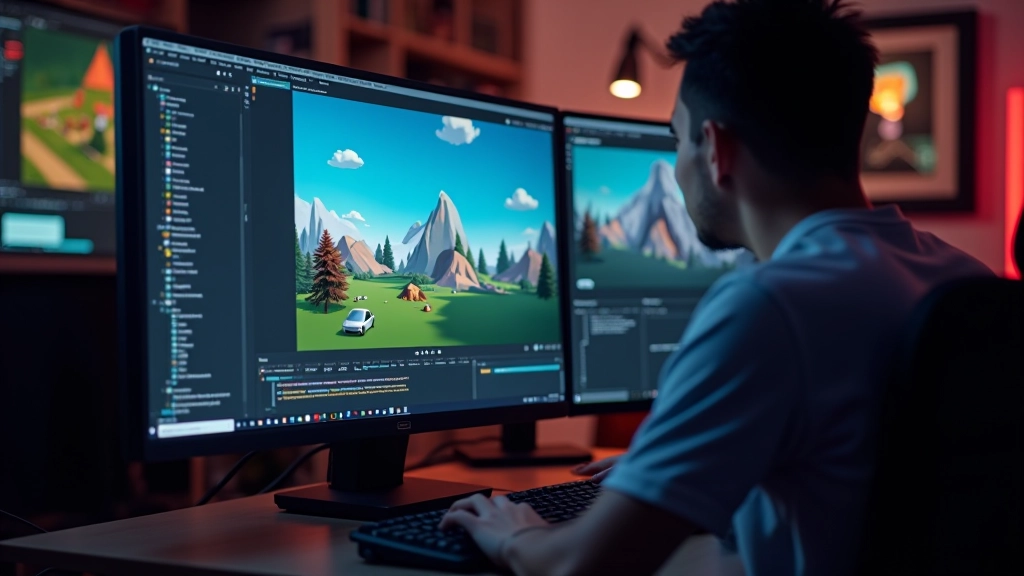
Getting Started with Game Engines
Learn the core concepts behind Unity and Unreal. We break down the interface and…


Level design and world building are where game development meets architecture and storytelling. They’re the foundation that makes players want to explore, return, and lose themselves in a game’s environment. Whether you’re creating a sprawling open world or a tightly designed puzzle level, understanding these principles will transform how you approach game design.
The short version: good level design guides players naturally without hand-holding. It communicates through space, color, and progression. And world building creates believable environments that feel lived-in, not just decorated. We’ll break down both in a way that’s practical—techniques you can apply to your next project.
Level design isn’t about making the biggest space or the most detailed environment. It’s about creating a clear progression that keeps players engaged. Think of it like choreography—every obstacle, corridor, and open area has a purpose.
Here’s what separates good level design from generic:
The best example? Look at Half-Life 2’s level design. You’re never told where to go, but the geometry funnels you naturally. Broken walls suggest a route. Lit areas feel safe. The player feels like they’re discovering, not following instructions.
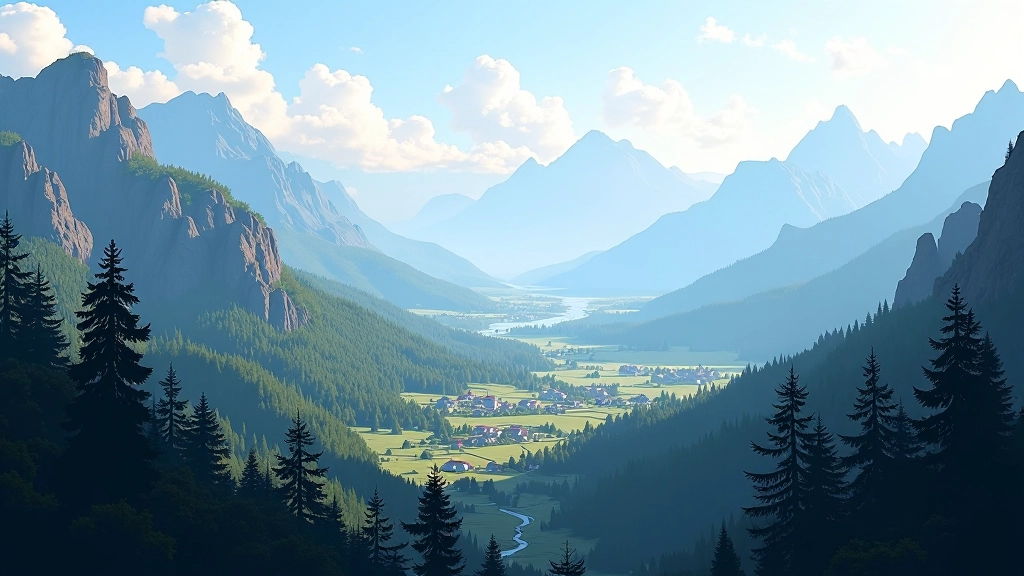
World building is about creating consistency. Players notice when things don’t make sense. If your desert city has lush gardens everywhere but no water source, players feel it’s fake. If your sci-fi space station has no visible power systems or life support, immersion breaks.
You don’t need to document everything—you need internal logic. Here’s the process:
Start with one constraint. Your world exists in a specific climate, economy, or political situation. That constraint shapes everything else. A medieval kingdom without stable trade routes won’t have wealthy cities. A tropical island won’t have the same architecture as a mountain fortress. This single decision cascades through your entire world.
Design the essentials only. You don’t need a complete history of every faction. You need to know why they exist now and what they want. Three to four key facts about each faction are enough. Players won’t memorize encyclopedic lore—they’ll notice if characters act inconsistently.
Show it through gameplay. The environment teaches world building better than any dialogue. Architecture shows craftsmanship levels. Equipment shows technology. NPC routines show culture. If your world building only appears in text, it’s not really in the game—it’s just backstory.
Players navigate space through visual cues. You’re constantly answering: “Where can I go? Should I go there? What will I find?” Good spatial design makes these answers obvious without obvious design.
Use these spatial techniques:
1. Landmarks: Visible goals in the distance. That tower on the horizon isn’t just decoration—it’s a navigation point. Players know which direction to head. Works even in games without mini-maps.
2. Transition zones: Spaces between areas that prepare players for what’s coming. Walking through a canyon narrows sight lines and creates tension. Emerging into an open plaza signals safety and choice.
3. Verticality: Don’t just design in 2D planes. Levels with multiple heights feel larger and more interesting. Players enjoy finding shortcuts or elevated vantage points. Climbing rewards exploration.
4. Bottleneck areas: Strategic narrow points where you control encounters or pacing. Not restrictions—they’re part of the rhythm. A chokepoint after an open area forces focus before the next challenge.

Use simple geometry—boxes, planes, basic shapes. Don’t worry about art yet. You’re testing flow and pacing. Can players navigate intuitively? Does it feel good to move through? This phase takes 1-2 days for a small level.
Place enemies, obstacles, collectibles. Test combat spaces. Do encounters feel fair? Can players see incoming threats? Adjust difficulty and spacing based on playtesting. This is where level design reveals its problems.
Add lighting that guides players and creates mood. Dim dangerous areas. Illuminate objectives. Lighting is a tool, not decoration. Good lighting makes weak level design feel intentional.
Finally, add detailed models, textures, and effects. By now the level already works. Art makes it shine. This phase is about surface, not substance.

You don’t need expensive software to design levels. Many successful indie games started with free tools. What matters is understanding the principles—tools are secondary.
Built-in editors with real-time testing. You see changes instantly. Unity’s lighter for 2D and small projects. Unreal’s better for large environments and advanced visuals. Both have free tiers.
Free 3D modeling and world-building. Create custom assets without paying for licenses. Export directly to game engines. Industry-standard quality with zero cost.
Lightweight engines perfect for learning. No overhead. Fast iteration. Godot’s gaining momentum for indie developers.
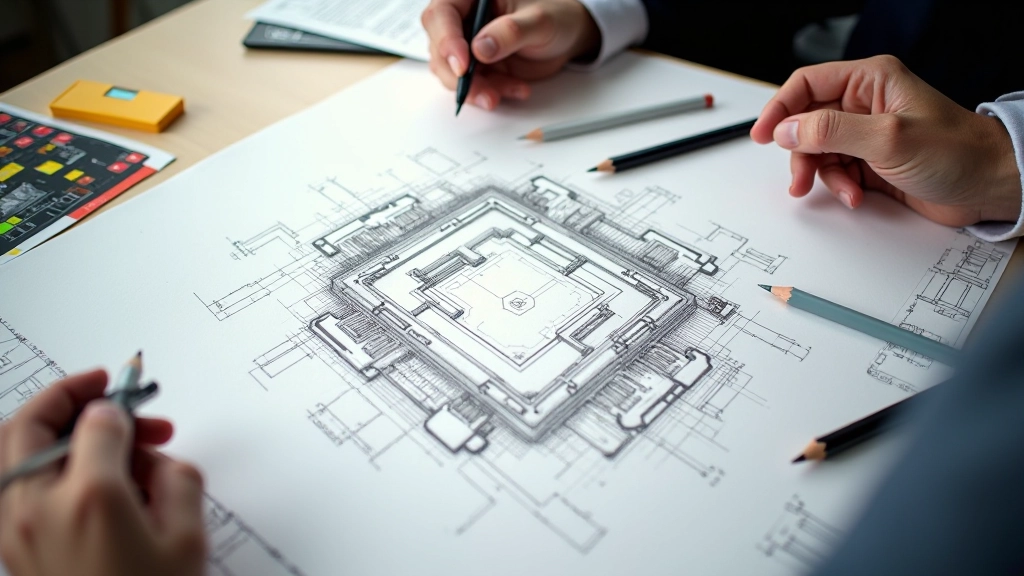
Don’t underestimate sketching. Level design on paper is faster than digital. You iterate quicker. Then move to digital once you’ve solved the spatial problems.
Educational Note: This guide covers foundational level design and world-building principles used in game development. These concepts are based on industry practices and design theory. Your actual results will depend on your game engine, team skills, and project scope. Game design is iterative—playtesting and feedback are essential. The techniques here provide direction, not guaranteed outcomes. Always test your designs with real players and adjust based on their experience.
Level design and world building separate memorable games from forgettable ones. Players won’t remember every detail, but they’ll remember how a space made them feel. A well-designed level feels natural to navigate. A lived-in world feels real.
Start simple. Block out a small space. Test it. Iterate. Add detail once the fundamentals work. And always ask yourself: “What’s this area for? Why would a player want to go here?” Answer those questions, and you’re building spaces that matter.
The techniques here are tools. What matters is your unique vision—the worlds only you can create. Use these principles as a foundation, then break them when your vision demands it. That’s when you’ll design something truly memorable.