Getting Started with Game Engines
Learn the core concepts behind Unity and Unreal. We break down the interface and fundamental workflows.
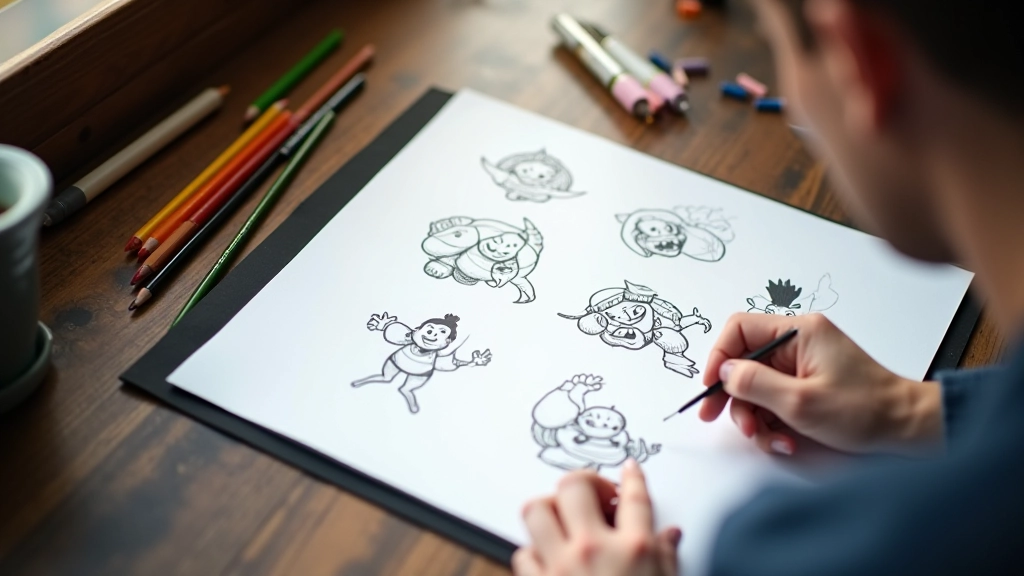

Great characters stick with you. Whether it’s their silhouette, their movement, or the way they express emotion, memorable character design goes way beyond pretty artwork. It’s about creating something that feels alive and purposeful in your game world.
This guide walks you through the core principles that separate good character design from forgettable ones. You’ll learn what makes a silhouette instantly readable, how to use proportions to communicate personality, and the practical techniques professionals use to bring characters from sketch to final model.
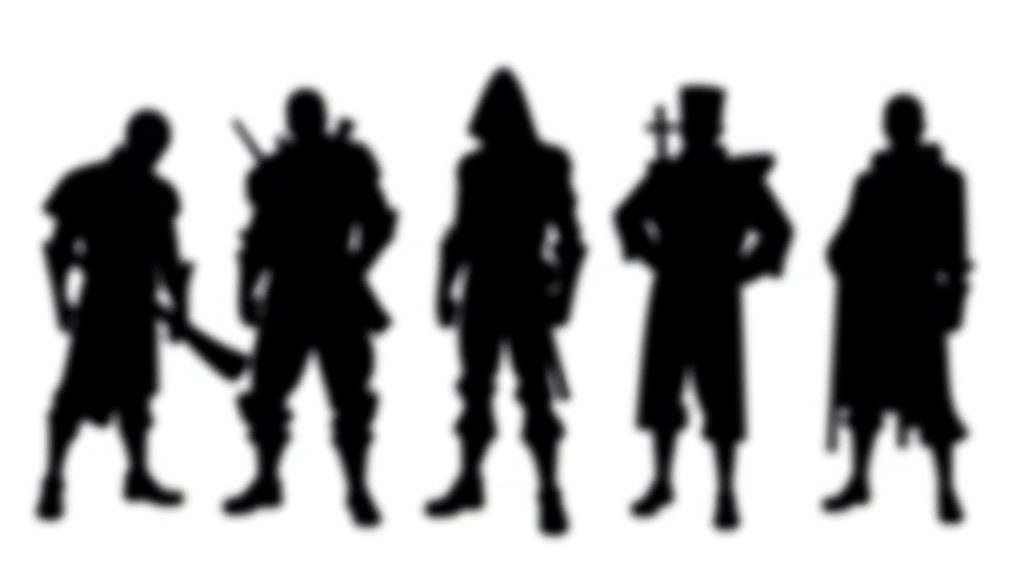
Before you add details, colors, or even facial features, your character needs a strong silhouette. This is the solid shape you’d see if you looked at your character as a pure black cutout. It’s surprisingly important — and it’s something you can test right now by squinting at character artwork until details blur.
A good silhouette tells a story instantly. Broad shoulders and a narrow waist? That reads as strong and confident. A round body with short limbs? Playful and approachable. The point isn’t to be obvious — it’s to be clear . Players should recognize your character in low resolution, from a distance, or at a glance.
Fill your entire character design with a solid color — no gradients, no details. Does it still look like the character you intended? If the answer is no, your silhouette needs work. This is the foundation everything else sits on.
Here’s where proportions become personality. Most adult game characters sit somewhere between 7 and 8 heads tall — that’s the distance from the top of the head to the bottom of the feet, divided by head height. But that’s just the baseline.
A warrior might be 8.5 heads tall with massive shoulders. A nimble rogue could be 7.5 heads with longer limbs relative to torso. Child characters typically run 5-6 heads tall, which instantly reads as younger without needing a baby face. The proportions do the heavy lifting before you ever touch expression.
Don’t overthink it. The goal isn’t anatomical accuracy — it’s clear communication. If your character’s proportions match their role and personality, you’re on the right track.
Color does more than make things look pretty. It communicates function, personality, and role at a glance. A character dressed in warm oranges and reds feels energetic and aggressive. Cool blues and purples suggest mystery or magic. Neutrals ground a character in realism.
The trick is intentionality. If your healer wears blue robes, that’s purposeful. If your healer accidentally looks like an ice mage because of poorly chosen colors, you’ve got a problem. Think about what each color choice is saying about your character.
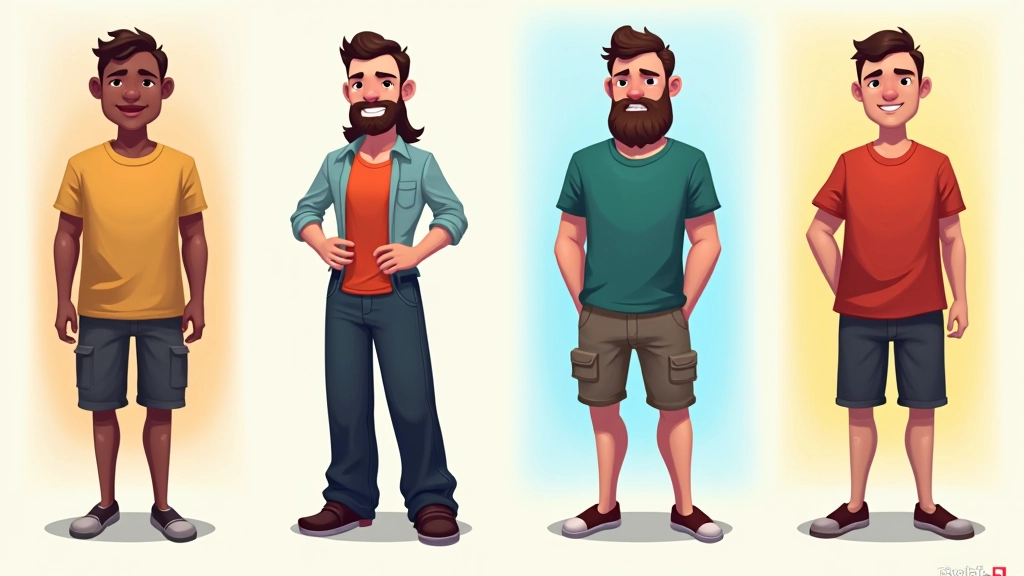
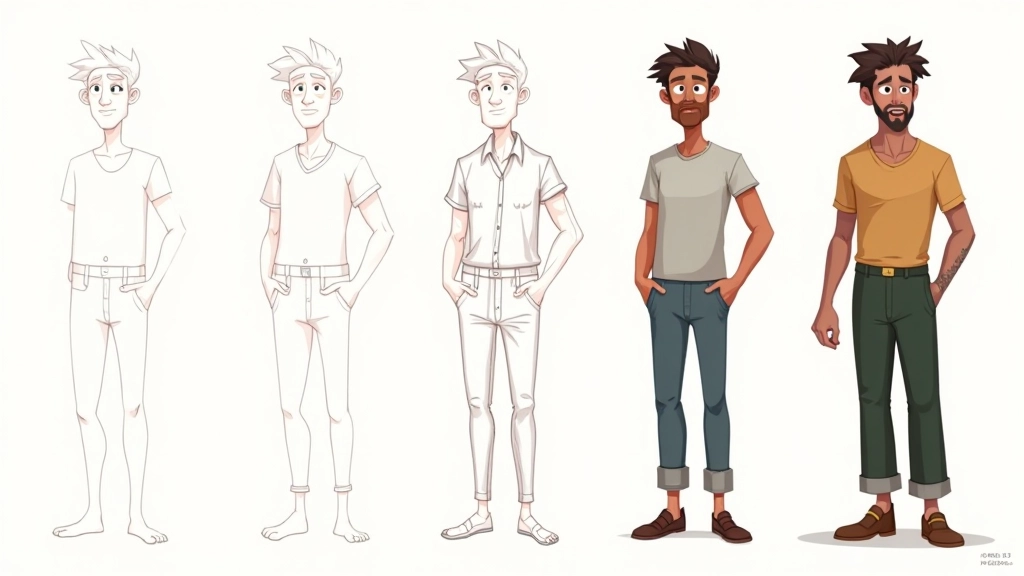
The process isn’t magic — it’s iteration. Start rough. Really rough. A stick figure with some notes about proportions is a perfectly fine starting point. Then you layer: basic shapes, anatomy, clothing, details, and finally polish.
Most professional character designers spend 30-40% of their time on the rough pass, 40-50% refining the core design, and only 10-20% on final polish. Don’t flip that ratio. Get the fundamentals locked before you add fancy effects or intricate details.
One practical tip: design your character at the actual size they’ll appear in your game. A character that looks amazing at 1000 pixels wide might be a confusing blob at 128 pixels. Test early and often at the scale that matters.
This guide covers foundational principles observed in professional game character design. Specific techniques, tools, and workflows vary depending on your engine, art style, and team structure. These principles serve as a starting framework — your actual implementation will evolve based on your project’s unique needs and constraints. Practice and experimentation are essential to developing your own design voice.
Character design fundamentals aren’t complicated — they’re just deliberate. Strong silhouettes, purposeful proportions, and thoughtful color choices create characters that work. The rest is practice.
Grab a sketchbook. Rough out some silhouettes. Test them at different scales. Iterate. You’ll start seeing what works and what doesn’t. That’s where the real learning happens.
Explore related fundamentals and techniques that’ll round out your character design toolkit.
Explore More Game Design Courses