
What Makes Game Audio Different
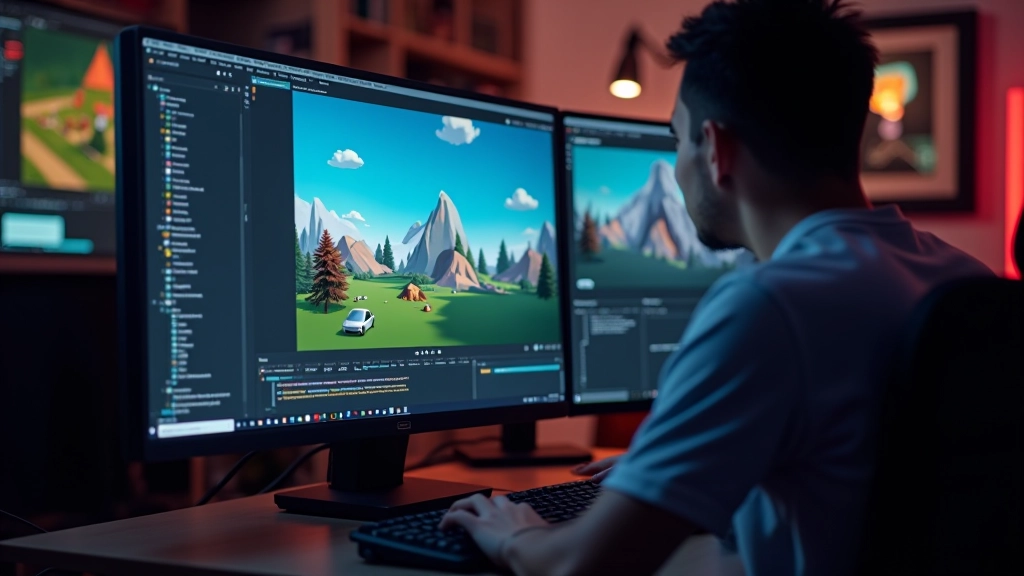
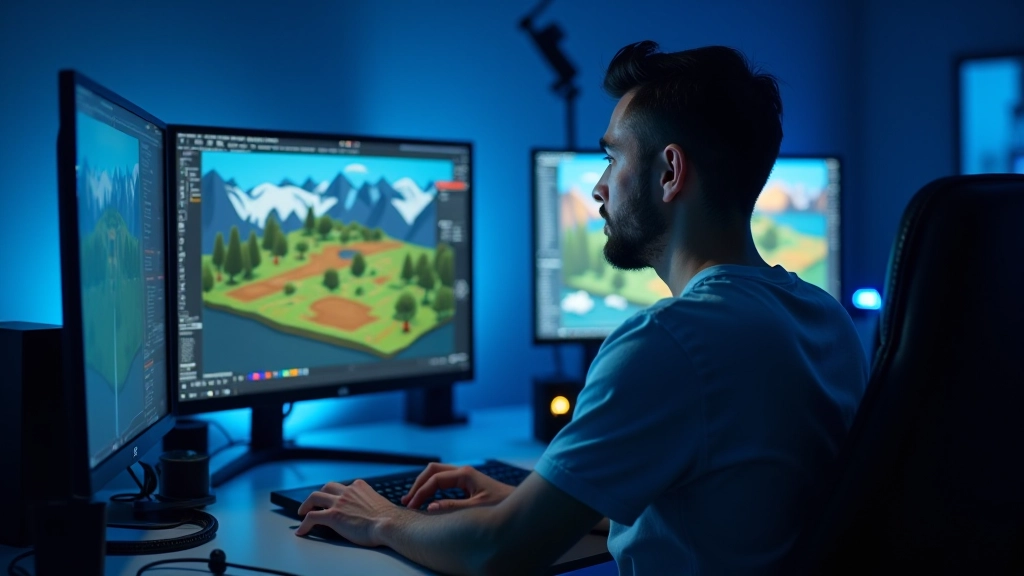
Game audio isn’t like film or music production. It’s interactive — meaning the sound has to respond to what the player’s doing in real-time. A footstep needs to change volume based on surface type. A weapon sound shifts depending on distance. Music transitions seamlessly when you enter a new area. It’s this responsiveness that separates good game audio from great game audio.
We’re not just playing a pre-recorded track. We’re building an audio system that lives and breathes with your game world. That requires a different mindset from traditional audio work — you’re thinking in layers, triggers, and dynamic mixing rather than fixed timelines.
Sound Design Fundamentals
There are three main pillars in game audio: sound design, music, and dialogue. Sound design covers everything — footsteps, impacts, ambient background noise, UI clicks. Music sets the emotional tone and pacing. Dialogue brings characters to life. Most indie developers can’t hire separate specialists for each, so you’ll end up wearing multiple hats.
Here’s what you need to know: Start with quality source material. Don’t just grab royalty-free loops and call it done. Layer sounds intentionally. A footstep on gravel isn’t one sound — it’s the initial impact, the texture of the gravel, maybe a slight echo. When you stack these properly, your audio feels alive.
The Core Trio
- Sound Design: All environmental and mechanical audio
- Music: Emotional foundation and pacing
- Dialogue: Character voice and story delivery
Tools You Actually Need
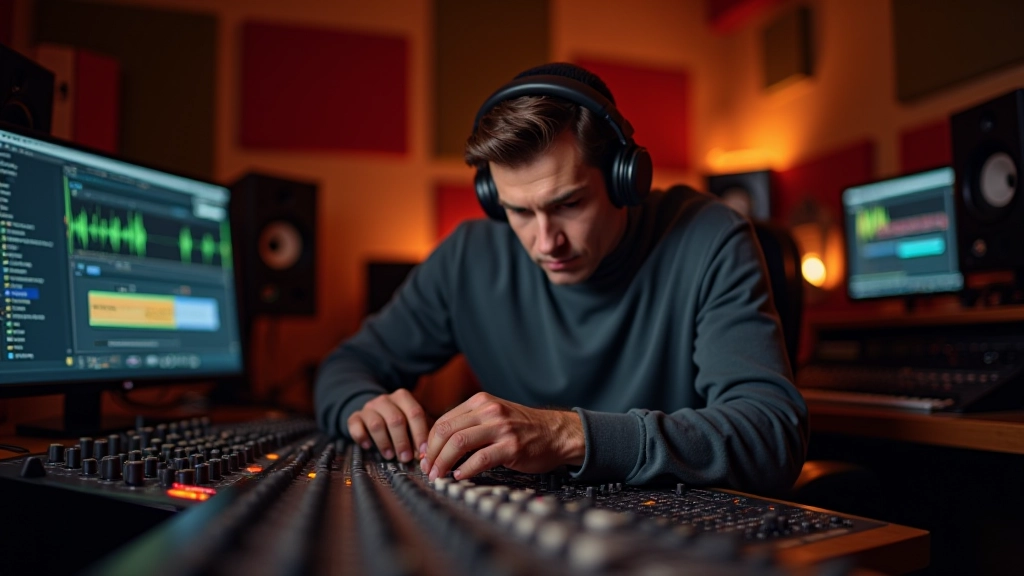
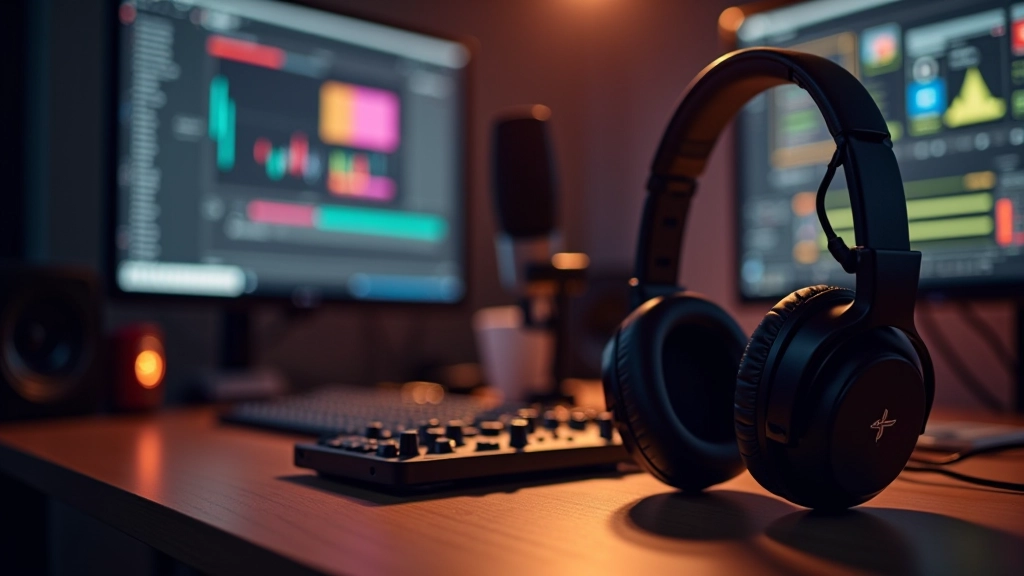
You don’t need expensive software to start. Reaper costs about 60 one-time and is industry-standard for game audio. Audacity is free and works for basic editing. Both are solid choices. What matters more is understanding how your game engine handles audio — whether that’s Unity, Unreal, or Godot.
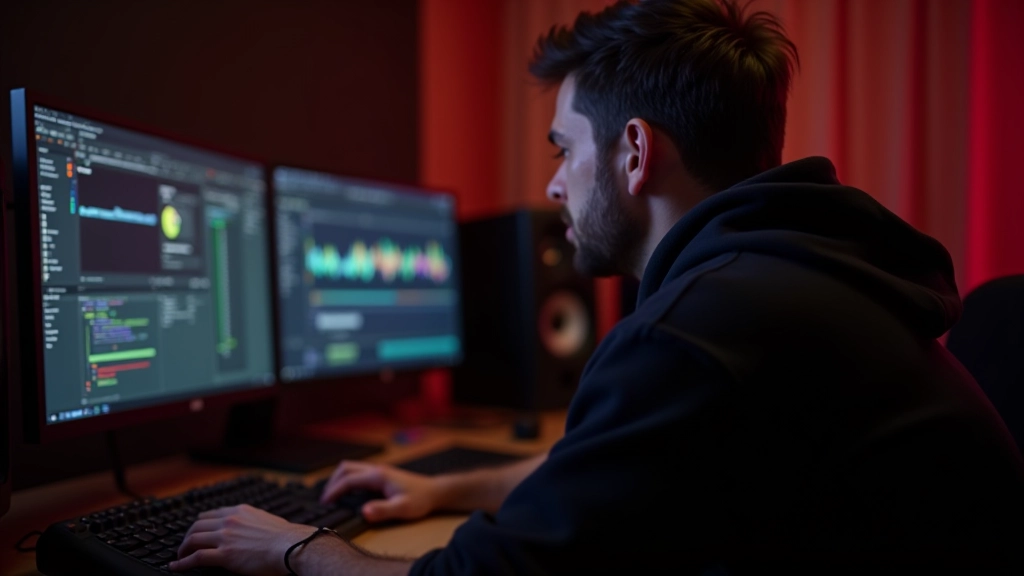
Most game engines let you assign audio clips to events. You set parameters — volume, pitch, fade speed — and the engine handles playback. That’s the beauty of it. You’re not creating one final audio file. You’re creating building blocks that snap together based on what’s happening in-game.
Creating Atmosphere Through Audio
Ambient sound is where game audio gets interesting. A silent room feels wrong — players expect to hear something. In a forest level, you might layer wind through trees, distant bird calls, maybe the rustle of leaves. None of these are particularly loud, but together they convince the player they’re actually there.
The trick is restraint. Don’t fill every second with audio. Strategic silence is just as powerful. If there’s constant background noise, quiet moments feel eerie. If you’re always hearing ambient sounds, a sudden silence becomes unsettling. That contrast is what creates emotional impact.

Music Composition for Games
Game music has to be adaptive. You can’t just loop a 3-minute song for 20 minutes of gameplay. Players notice repetition. What we do instead is compose in layers — a main melody, a harmonic bed, percussion, bass. The engine can mix these separately. Danger? The engine adds intensity. Safe? Fewer layers, calmer feel. Victory? Everything kicks in at once.
You’ll also want tracks to transition smoothly. That means planning sync points — bars where the music naturally stops and a new track can begin without jarring the player. It’s orchestration for interactive media, and it’s a skill worth developing.
Layered Music Example
Base layer: Ambient strings playing continuously. Intensity layer 1: Drums and bass enter when player enters combat. Intensity layer 2: Full orchestration when boss appears. Each layer is independent but designed to blend seamlessly.
Common Mistakes to Avoid
Most new developers make the same mistakes. First, they prioritize audio last — after everything else is done. Don’t do that. Audio affects how players perceive the entire game. Start thinking about sound early. Second, they don’t test on actual speakers and headphones. Sounds perfect in your studio headphones but harsh on laptop speakers? You’ve got a problem.
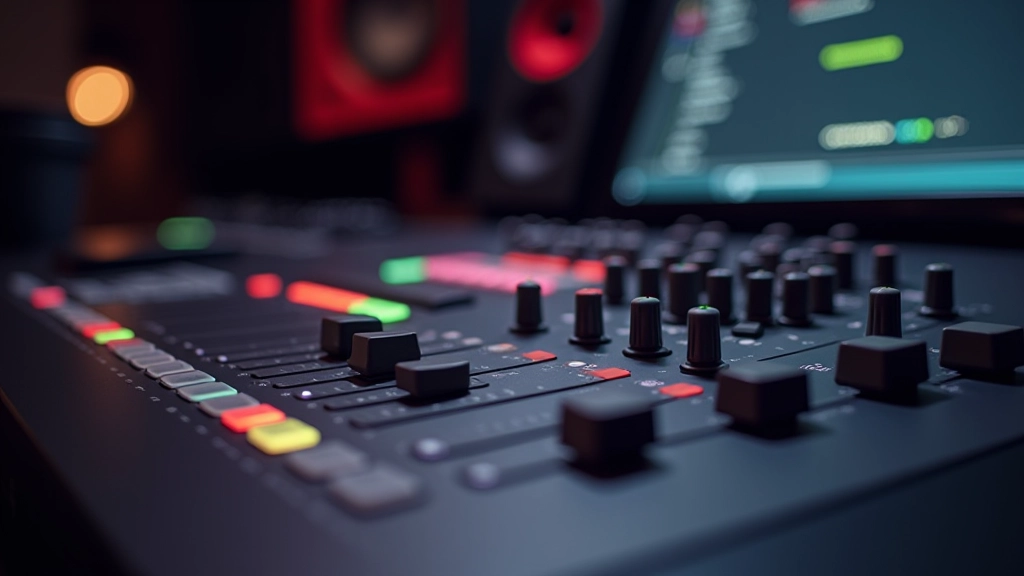
Third mistake: overlapping sounds without proper mixing. If everything plays at full volume, it becomes muddy noise. You need a hierarchy. Dialogue always cuts through. Music sits underneath. Sound effects fill the gaps. This mixing strategy is non-negotiable.
Getting Started Today
You don’t need to be a trained musician or audio engineer to create good game audio. What you need is intention. Every sound should serve a purpose — whether that’s informing the player, setting mood, or enhancing gameplay. Think about why a sound exists before you add it.
Start small. Pick one level of your game and focus entirely on its audio. Get the ambient layers right. Add sound effects that respond to player actions. Compose a simple looping track. Once you nail that one space, you’ll understand the workflow. Then scale up. Audio design takes practice, but it’s one of the most rewarding aspects of game development. Your players will absolutely notice when you get it right.
Disclaimer
This article is educational and informational in nature. It provides general guidance on game audio design principles and practices. Audio design is a broad field with many approaches and techniques. The specific tools, software, and methods mentioned are examples and not exclusive recommendations. Results and implementation will vary based on your project requirements, team skills, and creative vision. Always test your audio on multiple playback systems and with your target audience. For professional audio work, consider consulting with experienced audio engineers or taking specialized courses.